
Select, Configure, Preview: Build Your BTO Online in 3 Minutes
Pick your floor plan, configure every room and preview it in 3D — build your BTO online.
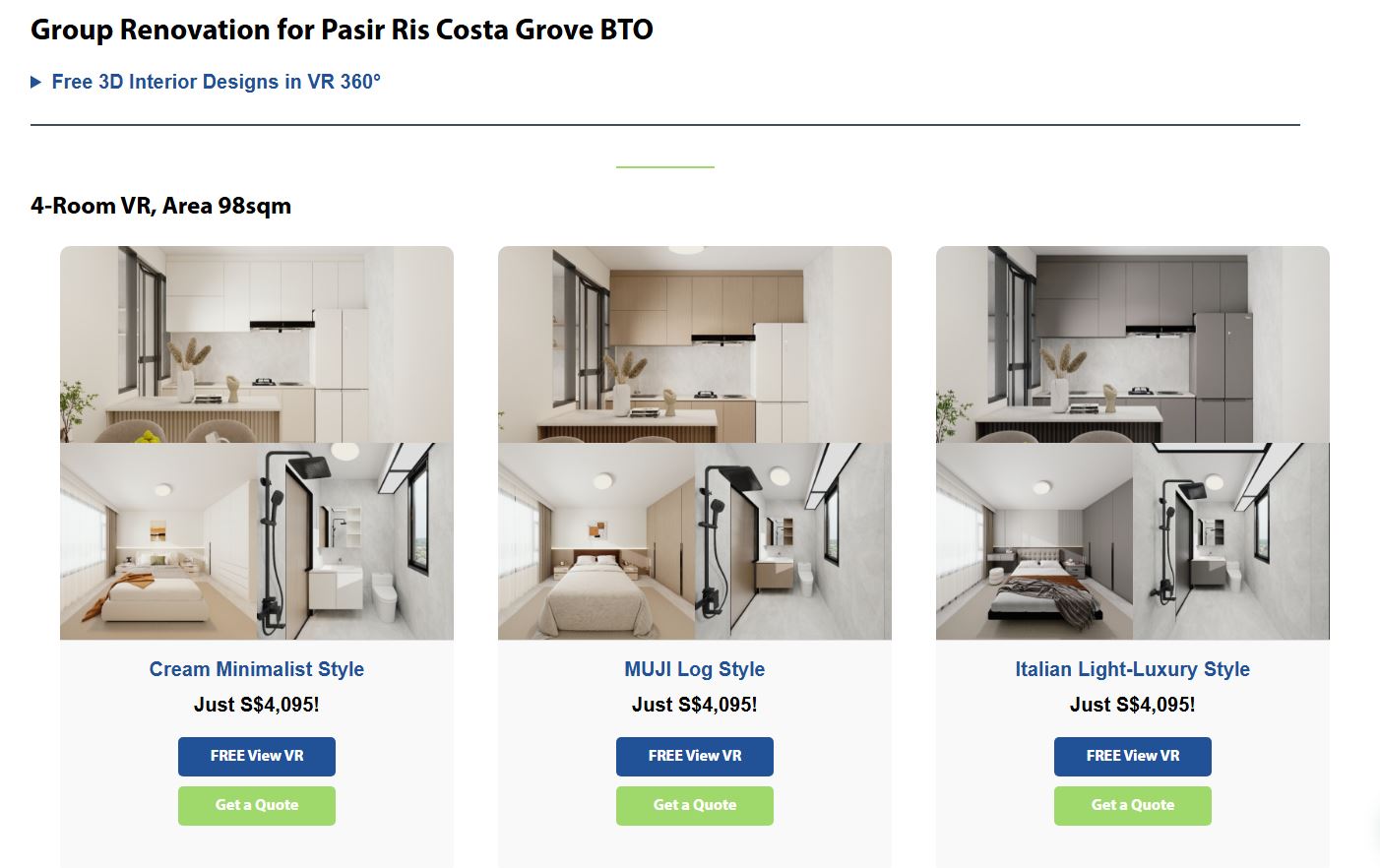
The hardest part of renovating isn’t the money — it’s not being able to picture it. On the BTO Group Reno site you build your flat like building blocks:
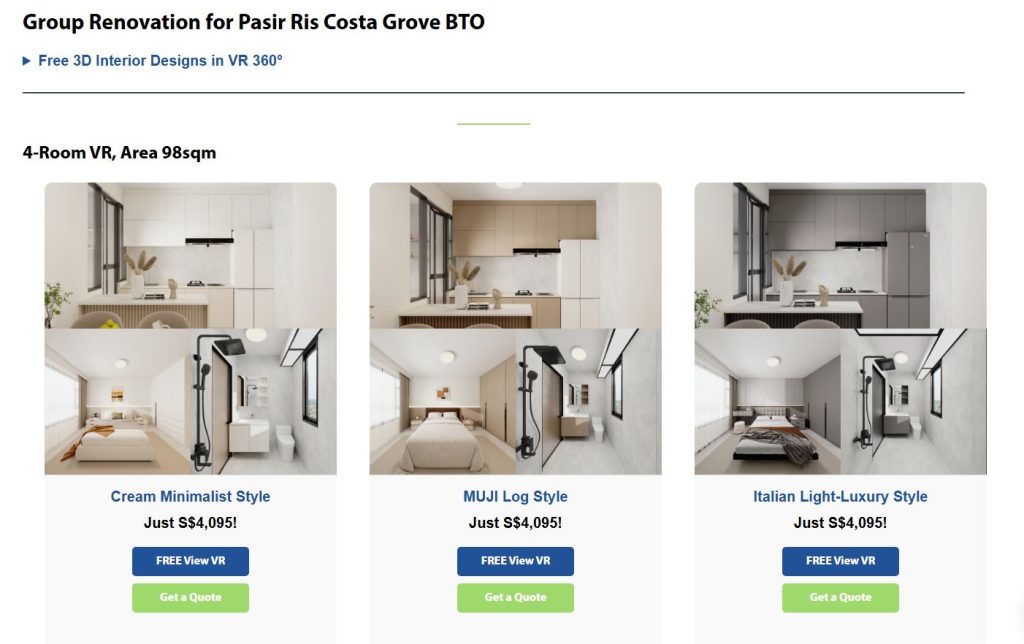
- Select your floor plan: find your BTO block and unit type; real dimensions load in, no measuring.
- Configure each room: kitchen cabinets, master wardrobe and bathroom vanity as standard, plus optional dining table, island or TV console.
- Add brand appliances & hardware: Midea hobs and HIGOLD sinks/baskets, straight into your plan.
- Preview in 3D/VR: walk the materials, colours and proportions, then approve.
This “select → configure → preview” flow is the transparency only a factory-direct model allows — every item maps to a clear price, with no hidden cost.
Configure your BTO online in 3 minutes. btogroupreno.sg/
